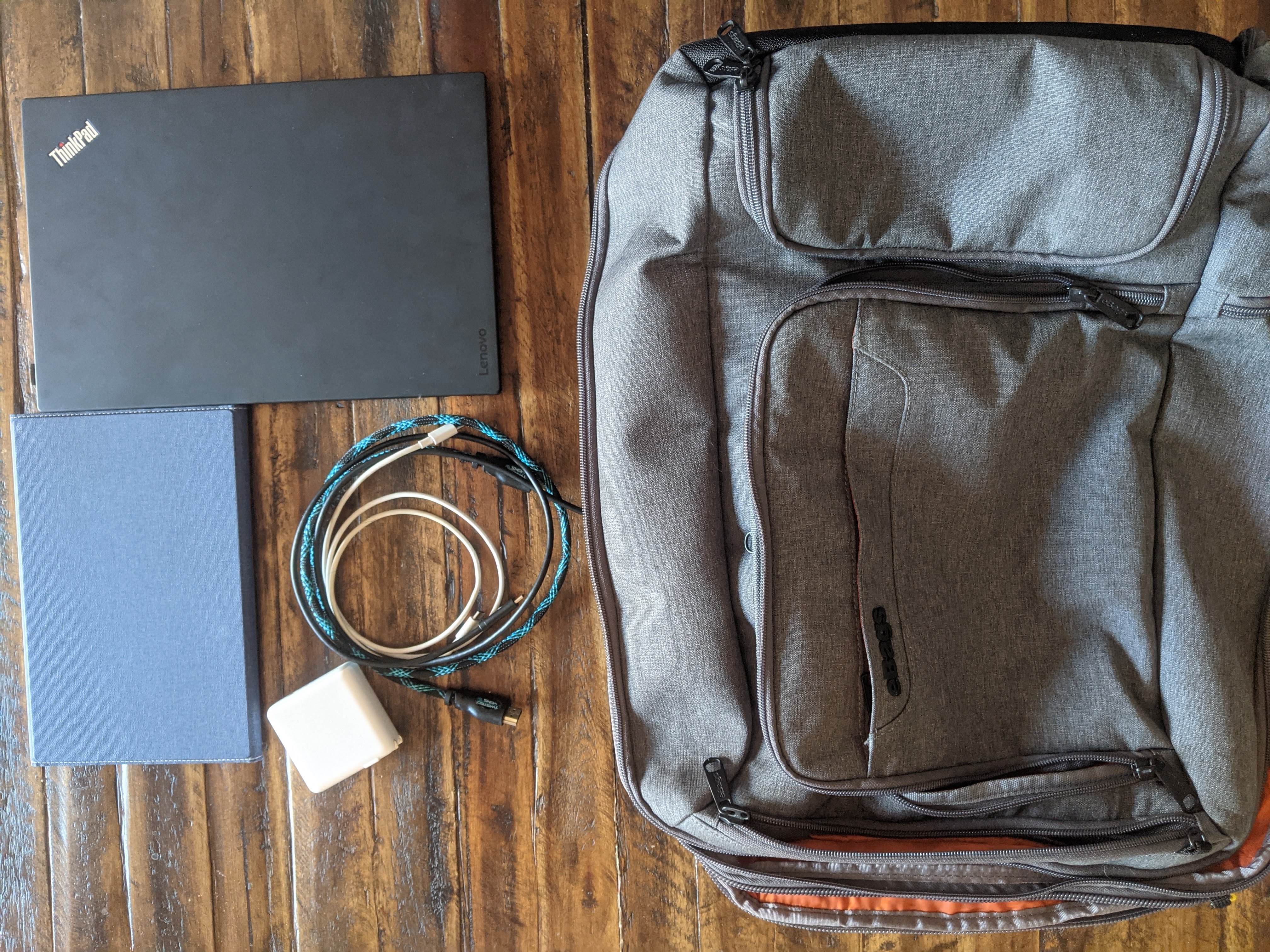
I’ve mentioned before in a prior post, one of the main reasons I chose to use a tablet for a second monitor was for its ease in travel. In this post, I want to cover the gear I’m using in more detail, largely inspired by the gear series of posts by Tynan.
Quick Update
Before I get into the gear, I wanted to share my recent thoughts on using a second screen. I’ve gotten far more in the habit of putting things on the other monitor and have been seeing more benefits from it.
I’ve had some uses outside of work, including some personal projects and the joyous task of annual taxes. For my projects I’ve been able to put reference materials on the second monitor while using the laptop screen for the actual work.
With a few days of travel under my belt, getting set up was easy enough,succeeding in the goal of using the tablet as a screen.
The Big Tech

The Laptop
My laptop of choice became the Lenovo X1 Carbon. Inspired by the aforementioned posts by Tynan, the laptop is lightweight while having a large enough screen to work for my needs. The technical specs aren’t anything that will run the latest video games, but I can work on writing and programs with ease.
The Tablet
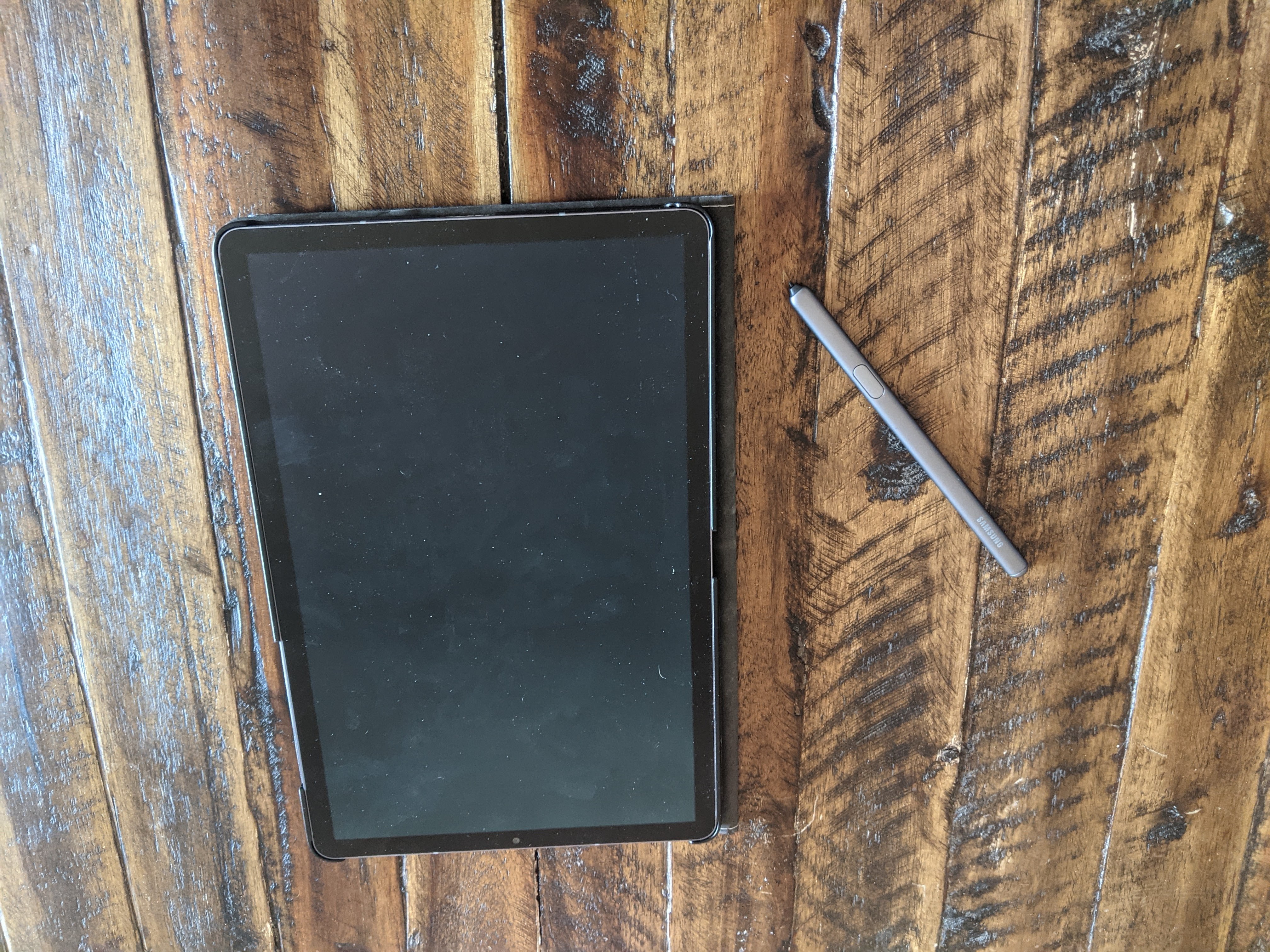
The tablet I ended up choosing was the Samsung Galaxy Tab S6. I liked the idea of having a tablet with a built in stylus, and the Galaxy Tab had good specs for the price.
One of the catalysts for buying the tablet was to replace an old laptop I bought a few years ago primarily as a streaming device. With the tablet, I was able to combine this function with an e-reader, gaming device, and notebook.
Supporting Tech
Apps and Programs
As previously mentioned, the app I’m using for turning my tablet into a second screen is called TwoMon. While it has hiccups from time to time, it definitely gets the job done. It cost me a mere $7, so I’m happy to get the use out of it that I can. With it being a one-time purchase app, I could even use it on my phone if I found myself that desperate!
For writing blog posts, I use Google Docs. It makes it easy to write and share with my editor. With the comments functionality, she can leave plenty of helpful notes for all my mistakes!
Regarding my day job, there’s some software I use to connect to all the tools I need to get my job done. For the sake of security, I’m going to leave this one vague.
There are a handful more apps I regularly use, but I may dive deeper another time, as the above are those I primarily use for work and projects like the blog.
Cords and Power
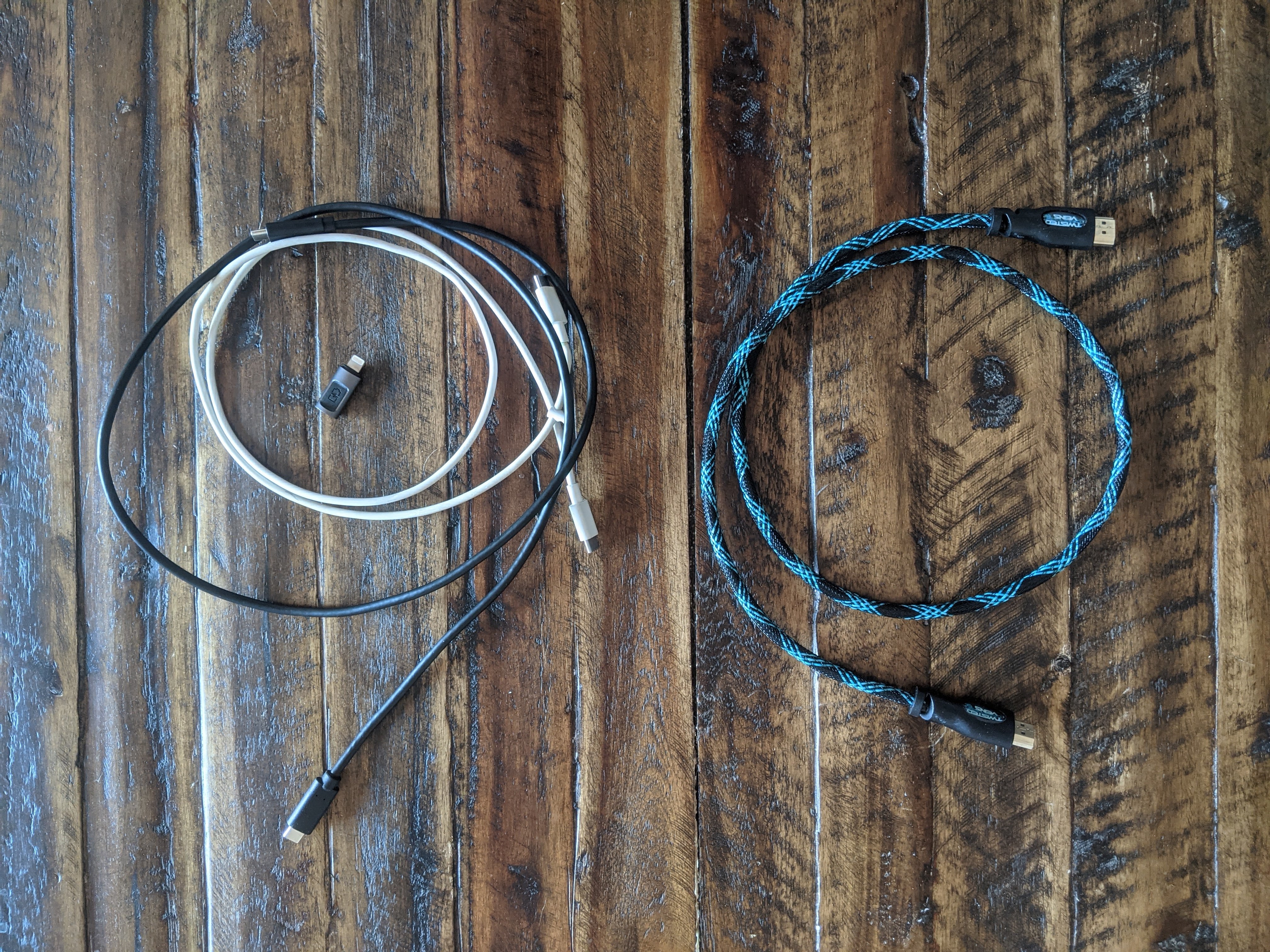
In order to simplify what kinds of cords I need, I’ve made an effort to get technology that uses USB Type-C. This has allowed me to carry only two cords for charging all of my devices. My phone, tablet, and laptop all charge by USB Type-C.
Unfortunately, my work phone is an iPhone, breaking this simplify. On the bright side, a simple Type C to lightning adapter solves this dilemma.
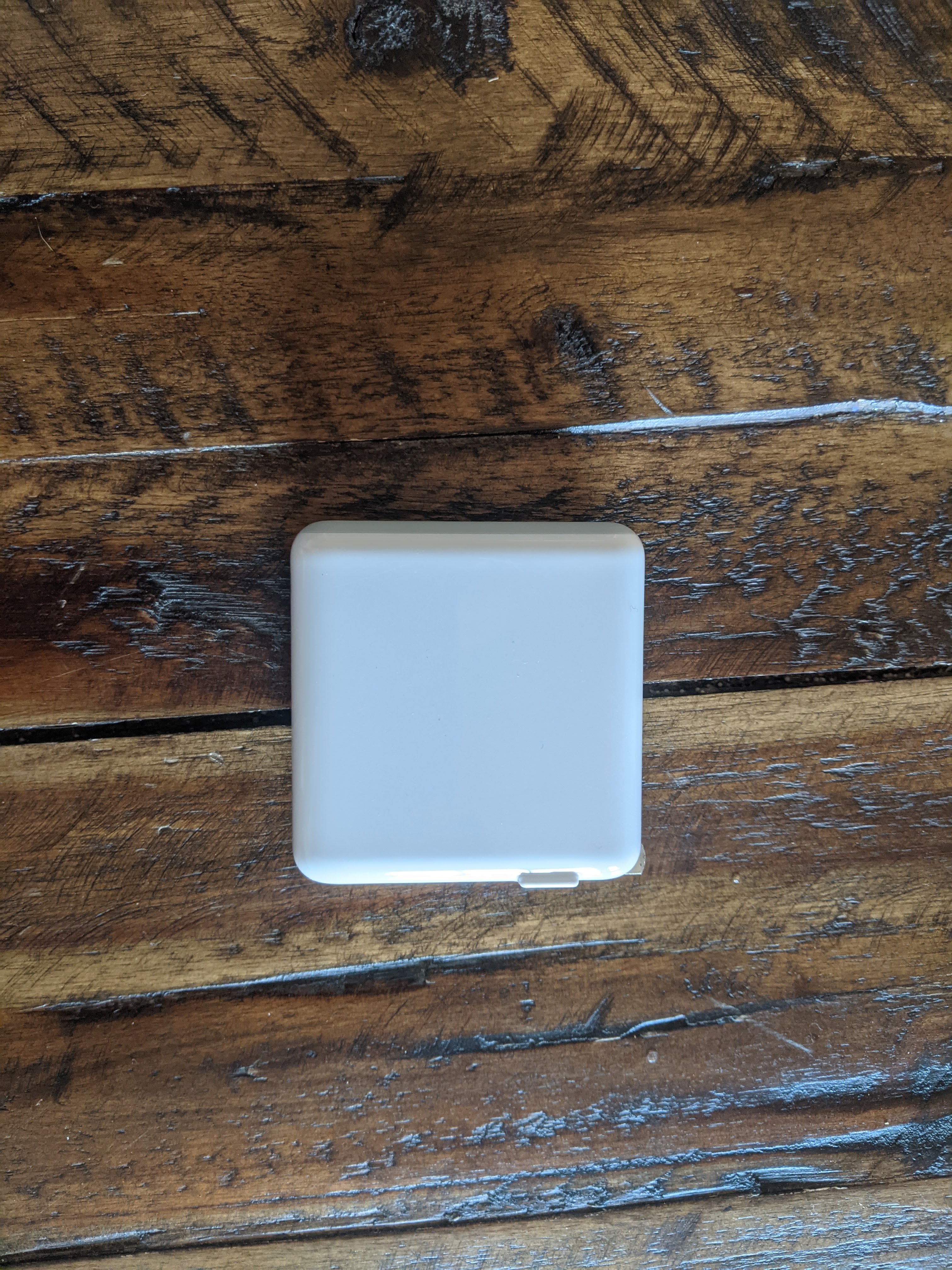
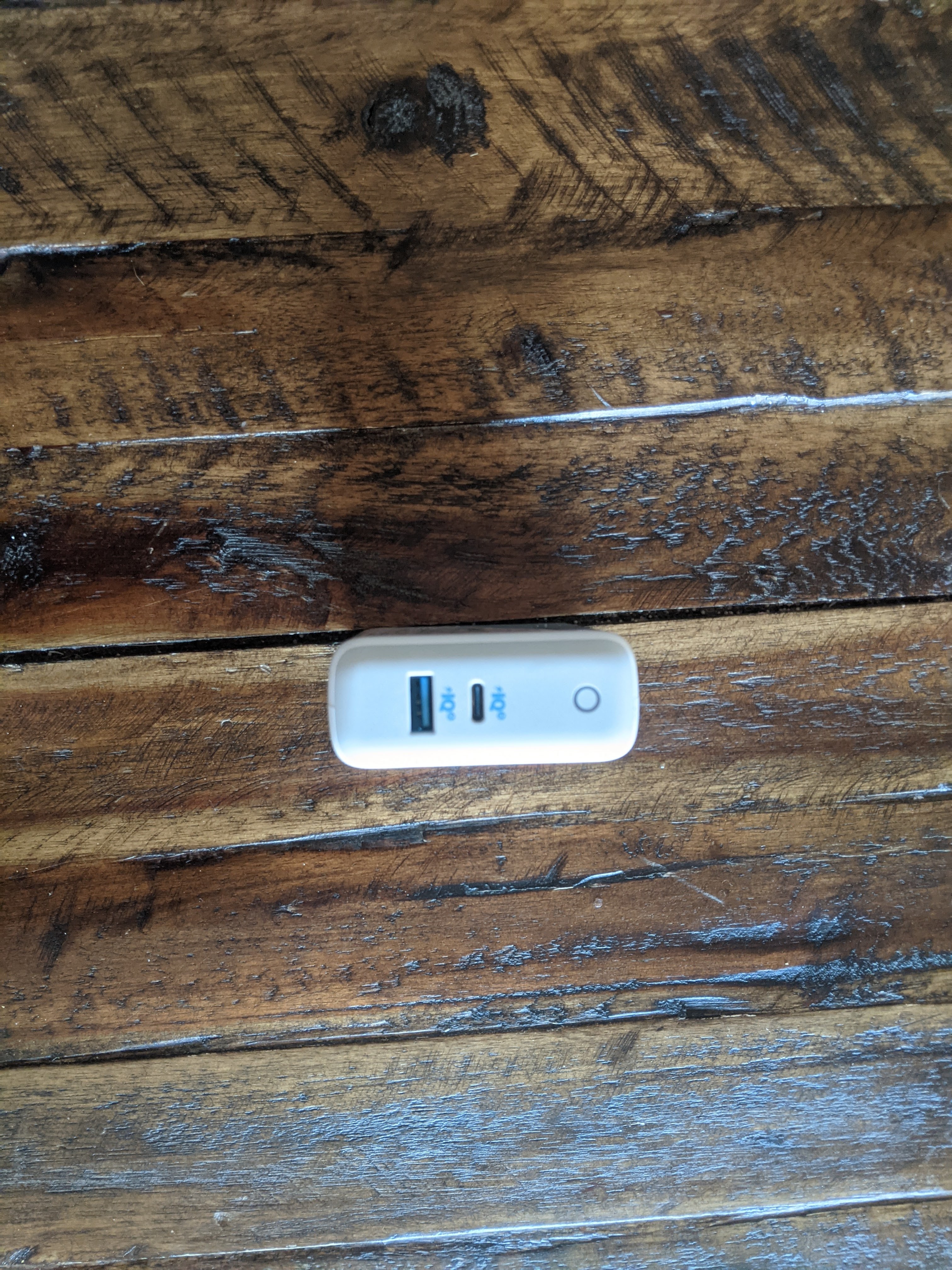
The power source for all these devices is a single brick, the Anker Power Port Atom III. This device allows for all my devices thanks to its power output. It does have an unneeded USB Type A port, but this was the best I was able to find a couple years ago, and it’s gotten the job done since. If I could reduce the size by removing the extra port, I would gladly do so.
A handy extra cord to keep around is a small HDMI. Most places have a TV that offers an easy hookup for my laptop or when I have it, my Nintendo Switch. It doesn’t take up much room, to the point where I actually forget it’s in my bag most of the time. I would like to eventually exchange this one for a longer but thinner cord.
Entertainment
The Nintendo Switch has been a solid console for the past few years. It’s hard to believe it came out four years ago now. With a number of great games to play both alone and with others, it’s an easy carry on just about any trip.
From time to time, I even bring the whole dock, allowing me to hook up the handheld console to a TV for group games. The past couple of trips, I’ve been on have been visiting family or friends and brought the Switch along for some fun. Right now, I only have Super Smash Bros Ultimate but am thinking I should expand my options for party games with what appears to be more flexibility in travel around the corner.
On a more productive note, I try to make sure I have at least a few books available to read at a given time. This lets me get reading done even if I’m not feeling a particular book at a given time. The tablet offers a multitude of books through apps like Kindle and Libby, but I do like to carry a physical book with me when traveling. The satisfaction of turning paper pages is one that can’t be replicated on a screen.
Backpack

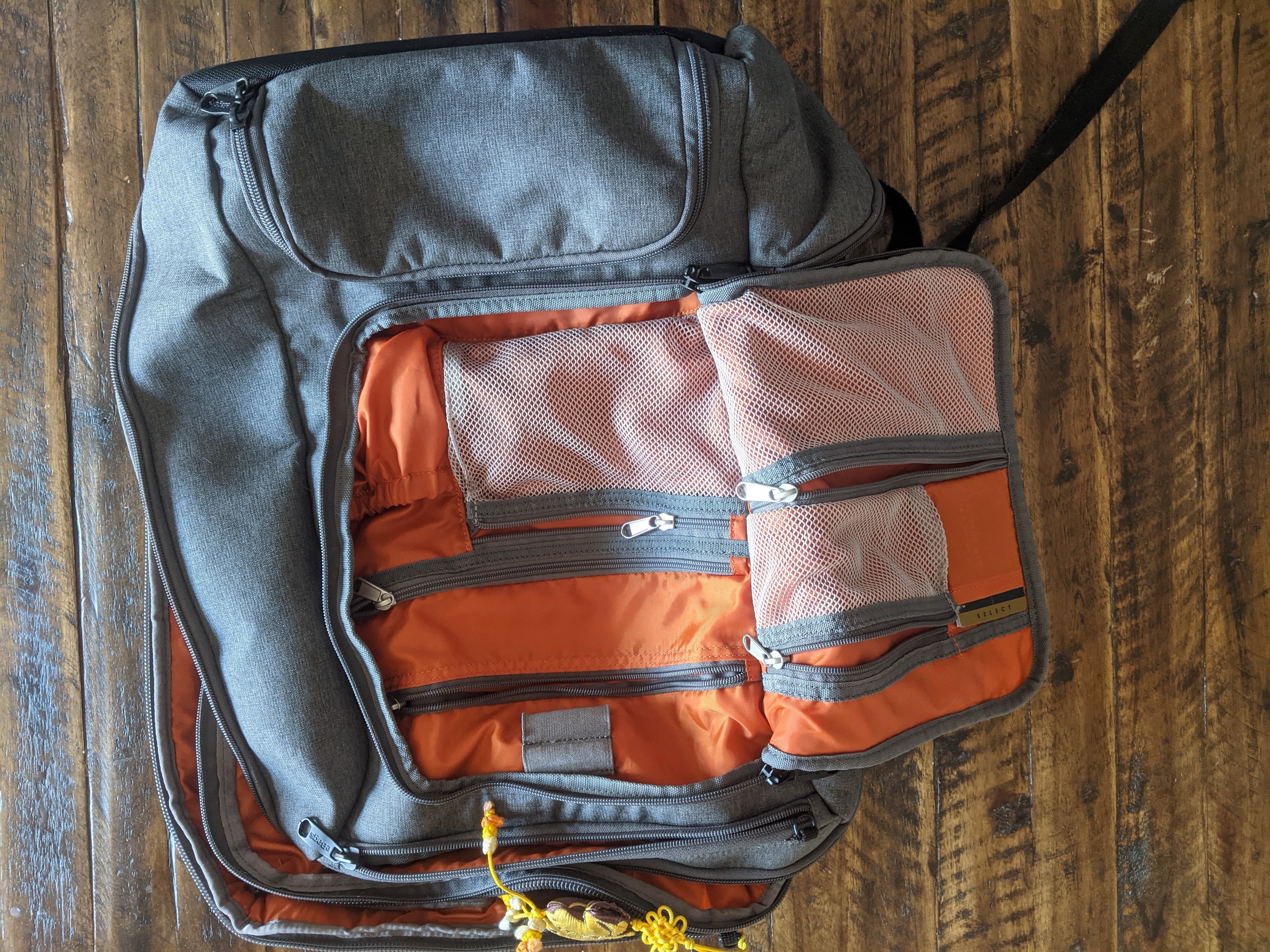
Last but not least, the bag that carries all of these things is the eBags Pro Slim Weekender. This bag has a lot going on, but once a certain section is figured out, it can be easy to organize. I like that just about anything is in easy access. I don’t feel I leave anything buried in this bag. This is largely because the main pockets can be opened flat, the primary reason I chose this bag over others.
Traveling with one bag not only saves me on airfare, but in general helps me from over packing. I do go overboard at times, but it’s still confined to the limits of the bag on my back. The current trip I’m on might not have been as feasible if I also brought a full suitcase for the drive down.

If this post was interesting, let me know. I can write a follow-up with more details on some of the other things I take along with me including clothes, workout gear, toiletries, etc. Until then, you can check out Tynan’s series I mentioned before or look for minimalist travel communities on sites like Reddit.
 Trying Out Before Buying In